Capy Castaway Keyboard & Mouse Controls
Desk-friendly bindings for precise island poking.
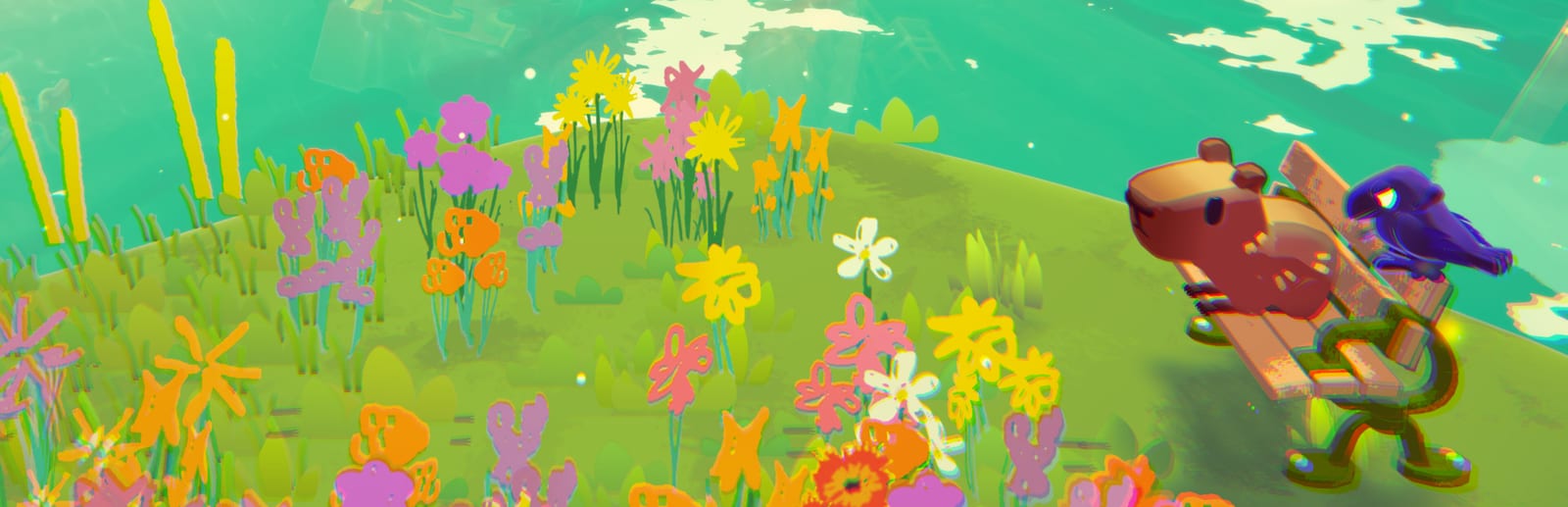
Keyboard and mouse play suits explorers who want precise camera framing while hunting dig spots and rooftop trinkets in Capy Castaway. Because official glyph sheets can change between demo and launch builds, this page teaches a binding strategy and verification routine rather than pretending a single static chart is eternal.
Recommended mental map
- WASD / arrows: move the active character.
- Mouse: camera look and optional click-to-interact if supported.
- Context interact key: sniff, talk, pick up, wear hat—whatever the prompt shows.
- Ability modifiers: separate dig/swim/push or hold-to-charge style inputs if present.
- Companion keys: switch focus (solo) or issue Corvi fetch/fly/carry commands.
- Menu / map / pause: keep far from movement keys to avoid accidental exits mid-carry.
Community Steam guides titled around controller and mouse & keyboard layouts are useful cross-checks—compare them to your build after every patch.
Solo switching hygiene
Put character switch on a comfortable key (for many players, something near WASD or a thumb mouse button). Practice the rhythm from How to Play: park Capy, scout with Corvi, return. If switching feels slow, you will avoid using half the puzzle vocabulary.
Hybrid co-op
One player on keyboard + mouse and one on controller can work well: keyboard player often takes Corvi for precise aerial camera work, controller player takes Capy for analog wandering. Agree before launch night using Co-op & Remote Play.
Quality-of-life checks
- Raise UI scale if text is small on 1440p/4K.
- Lower mouse sensitivity if camera overshoots dig markers.
- Disable conflicting overlay hotkeys (browser push-to-talk, clip tools) that steal focus.
- Confirm fullscreen vs borderless if Alt-Tabbing to the Collectibles Checklist.
Troubleshooting
If clicks do nothing, ensure the game window focused after Remote Play overlays. If both characters move oddly, you may still be in a co-op binding profile—restart the session. For Deck-as-PC modes, also read Steam Deck Tips.
Practice course
Spend five minutes in an open demo area performing: move, camera orbit, interact, dig/sniff, fetch, carry, pause. Only then begin the Soup Competition path. Pair with Puzzle Basics so verbs stick.
Keyboard and mouse excel when you treat Castaway Island like a diorama: frame the joke, then click into it.
Desk ergonomics for long sessions
Cozy adventures still punish bad posture. Keep wrists neutral, mouse at elbow height, and consider a low-sensitivity camera curve so you are not constantly yanking the view while sniffing tight circles. If you Alt-Tab to notes, pin the Collectibles Checklist in a side monitor rather than minimizing mid-carry—losing focus mid-fetch is a common keyboard-only frustration.
DPI and resolution pairing
1440p and 4K displays shrink on-screen prompts unless UI scale is raised. High DPI mice can overshoot dig markers; drop sensitivity before blaming level design. Ultrawide monitors benefit from occasional manual camera recenters because the game is framed for exploration, not competitive edge peeking.
Steam Input overlays
Steam lets you layer per-game configs on top of keyboard defaults. Useful when a laptop keyboard lacks comfortable reach for character switch. Export configs before big Steam client updates so you can restore a working layout quickly. Hybrid co-op pairs should agree which machine owns overlays—only one person needs clip tools hotkeys active.
Remote Play from a desk host
Hosting Remote Play while on keyboard is viable: guests on controller often take Capy while you pilot Corvi with mouse precision. Test voice chat push-to-talk keys first; many default to keys near WASD. Latency feels worst during Corvi carries, so call directions early per Co-op & Remote Play.
Accessibility toggles to hunt for
On first boot, scan settings for invert Y, hold versus toggle interact, and any text size sliders. Cozy games sometimes bury UI scale under graphics menus. Larger text helps dialogue-heavy nights and reduces squinting during Soup Competition ingredient hunts (Soup Competition).
Keyboard-first collectibles rhythm
Hat hunts reward camera discipline: orbit a landmark, click interact on every glint, then mark the slot in your checklist. Trinkets on roofs need Corvi fetch followed by a quick swap back to Capy for ground delivery. That swap loop is why switch key placement matters more here than in action games.
A well-bound keyboard turns every mud spiral into something you photograph with the mouse before you dig.
Frequently Asked Questions
Quick answers to the most common questions.
Is mouse aim required?
This is not a shooter; mouse mainly aids camera and UI precision.
Can I remap keys?
Look for an in-game rebind menu; Steam also offers per-game configs.
Keyboard okay for co-op?
Yes as a hybrid with a controller partner.
Where is controller help?
See [Controller](/controls/controller/).