Capy Castaway Co-op & Remote Play
Split the duo across a couch—or across the internet.
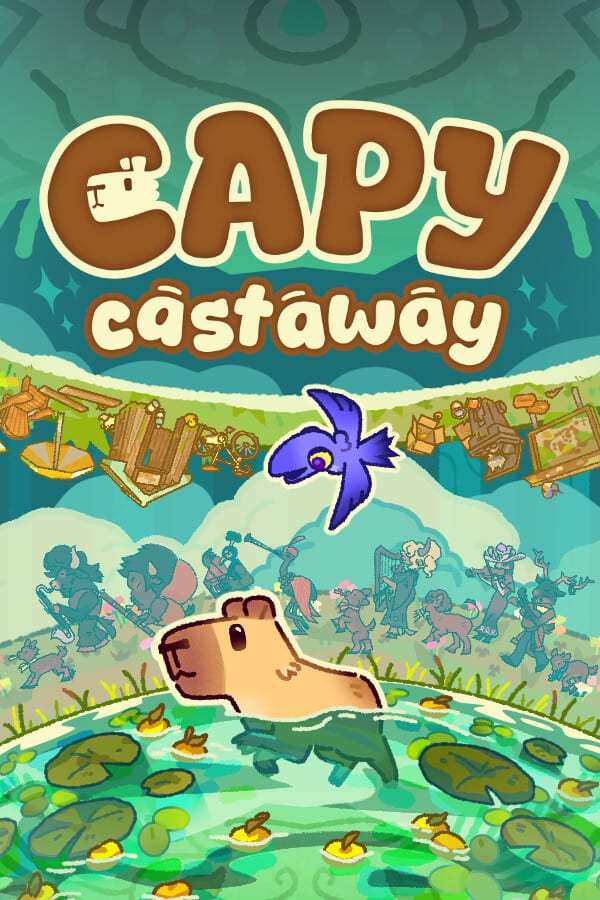
Capy Castaway is designed as a duo fantasy, so co-op is not a bolted-on afterthought. You can share a screen locally or use Steam Remote Play Together to stream a local co-op session to a friend online. This guide explains roles, setup expectations, and etiquette so your first shared adventure feels cozy instead of confusing.
Co-op modes at a glance
- Solo: one player controls both Capy and Corvi.
- Local / shared-screen co-op: two players on the same machine or TV.
- Remote Play Together: host runs the game; guest joins through Steam’s streaming invite even without owning the title (Steam’s usual Remote Play rules apply—confirm live Steam help docs if policies change).
Official demo messaging specifically calls out couch co-op and Remote Play Together as ways to “be the duo,” with one person on Capy and one on Corvi.
Who should play whom?
Capy is the ground explorer: sniffing, digging, swimming, pushing, wearing hats. Corvi is the aerial specialist: scouting, fetching out-of-reach objects, carrying Capy short distances. New players who like physical poking often prefer Capy; players who like overview and item retrieval often prefer Corvi. Swap after a session if the vibe feels uneven.
Local setup checklist
- Connect two controllers or mix keyboard + controller if the build allows—verify in your session.
- Confirm both players can move before starting a quest.
- Read Controller and Keyboard & Mouse so nobody fights the camera.
- Agree on a “pause and talk” rule for puzzle rooms.
- Keep the Co-op Setup Checklist open on a phone if you are helping less technical friends.
Remote Play Together flow
Remote Play streams the host’s game. That means the host’s hardware and network quality matter most. Wired Ethernet on the host, quiet Wi-Fi on the guest, and closing bandwidth-heavy apps help. Expect some input latency compared with true online netcode games; Capy Castaway’s low-stress puzzles tolerate mild delay better than competitive titles.
Steam community guides already discuss Remote Play for this game—one player on Capy, one on Corvi—so the intended fantasy matches what players are searching for.
Communication tips that actually help
- Narrate what you see: “shiny thing on the roof” beats silence.
- Ask before yeeting important quest items into the water for laughs—unless your table rules celebrate chaos.
- If one player is stuck in a menu, say so; streaming can hide UI focus.
- Take turns leading objectives so neither partner becomes a spectator.
Demo practice before launch
The updated demo includes co-op support and Swallow Town quests. Practice the soup competition or bouquet side path together using Soup Competition notes, then explore freely. Demo fluency makes launch night smoother.
Accessibility and comfort
Co-op is pitched for partners, families, and first-timers. Keep sessions short if kids are involved, enable any comfort options you find in menus, and sit closer to the screen for shared reading of dialogue. Deck users hosting from the couch should skim Steam Deck Tips.
Related reading
Return to How to Play for the solo loop, Duo Combos for ability synergy, and Getting Started if your partner still needs the pitch. For purchase context, send them the Wishlist Guide.
Co-op in Capy Castaway works best when you treat puzzless as shared jokes. The island is mysterious; your microphone (or couch banter) is the real companion quest.
Frequently Asked Questions
Quick answers to the most common questions.
Does my friend need to buy the game for Remote Play?
Remote Play Together typically lets a guest join the host’s session; confirm current Steam rules and ownership requirements before invite night.
Can we play online without Remote Play?
Marketing emphasizes local co-op and Remote Play Together rather than a separate always-online co-op service.
Who is easier for beginners?
Many beginners enjoy Capy’s ground interactions; assign Corvi to whoever likes scouting and item grabs.
Where is a printable setup list?
Use the [Co-op Setup Checklist](/tools/coop-setup/).